Chrome extension for LinkedIn hiring
Export LinkedIn Applicants Into a Searchable Hiring Workspace
ApplicantSync is a LinkedIn applicant exporter that captures candidate information from job posts you can access and organizes it in one dashboard. Review resumes, compare screening answers, search applicants, collaborate with your team, and export everything to CSV or Excel.
- Extract applicants in a few clicks
- Works with open and closed job posts
- Free to get started
ApplicantSync is an independent product and is not affiliated with, endorsed by, or sponsored by LinkedIn.
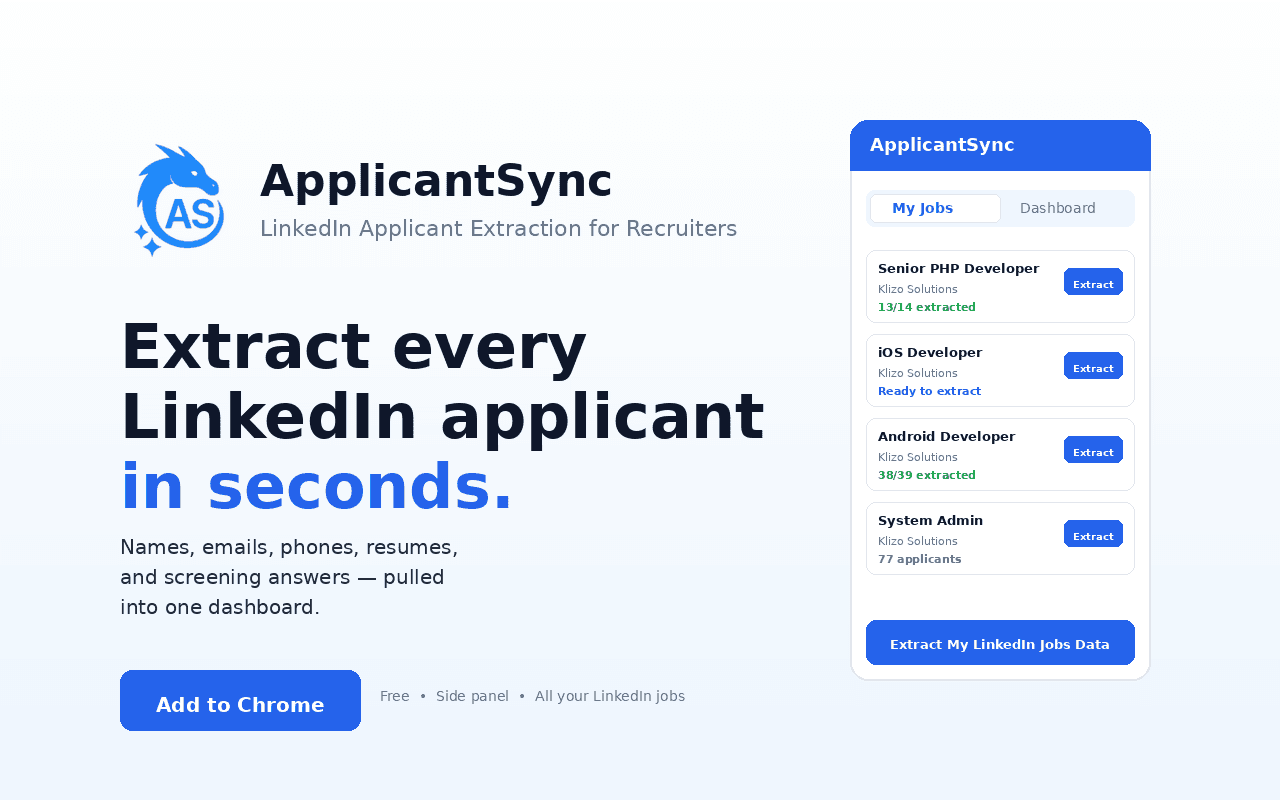
Stop opening hundreds of LinkedIn profiles manually
Your LinkedIn applicants should not stay trapped inside individual job posts. ApplicantSync brings the information together so you can hire outside a pile of browser tabs.
Without ApplicantSync
- Open every candidate manually
- Search one job at a time
- Download resumes one by one
- Copy fields into spreadsheets
- Share profile links by hand
- Lose visibility when a post closes
With ApplicantSync
- Extract applicants in a few clicks
- Search across your applicant database
- Resumes attached to each record
- Export clean CSV / Excel files
- Share organized candidate views
- Keep working after posts close
Everything you need to manage LinkedIn applicants
Extract once. Work from a real hiring workspace after that.
Extract applicant data
Capture names, profile details, screening answers, resumes, and contact info when it is visible to you.
Search & filter easily
Find candidates across your jobs without reopening every LinkedIn applicants tab.
Keep resumes organized
Downloaded resumes stay attached to the right applicant and job inside your dashboard.
Export to CSV or Excel
Download structured applicant rows for reporting, outreach, CRMs, or internal tools.
Collaborate with your team
Invite teammates and share candidate shortlists from one workspace (Pro).
Understand your pipeline
See hiring analytics across jobs — spend, funnel stages, and applicant coverage.
From LinkedIn job post to organized applicant database
Four steps from Manage Candidates to searchable, exportable records.
Open your job post
Go to a LinkedIn job you own and open Manage Candidates / Applicants.
Start the extraction
Open the ApplicantSync extension and extract the applicants you want to capture.
We organize everything
Details, resumes, screening answers, and visible contact info sync to the right job.
Review, search & export
Continue hiring from your ApplicantSync dashboard — filter, status, share, or download.
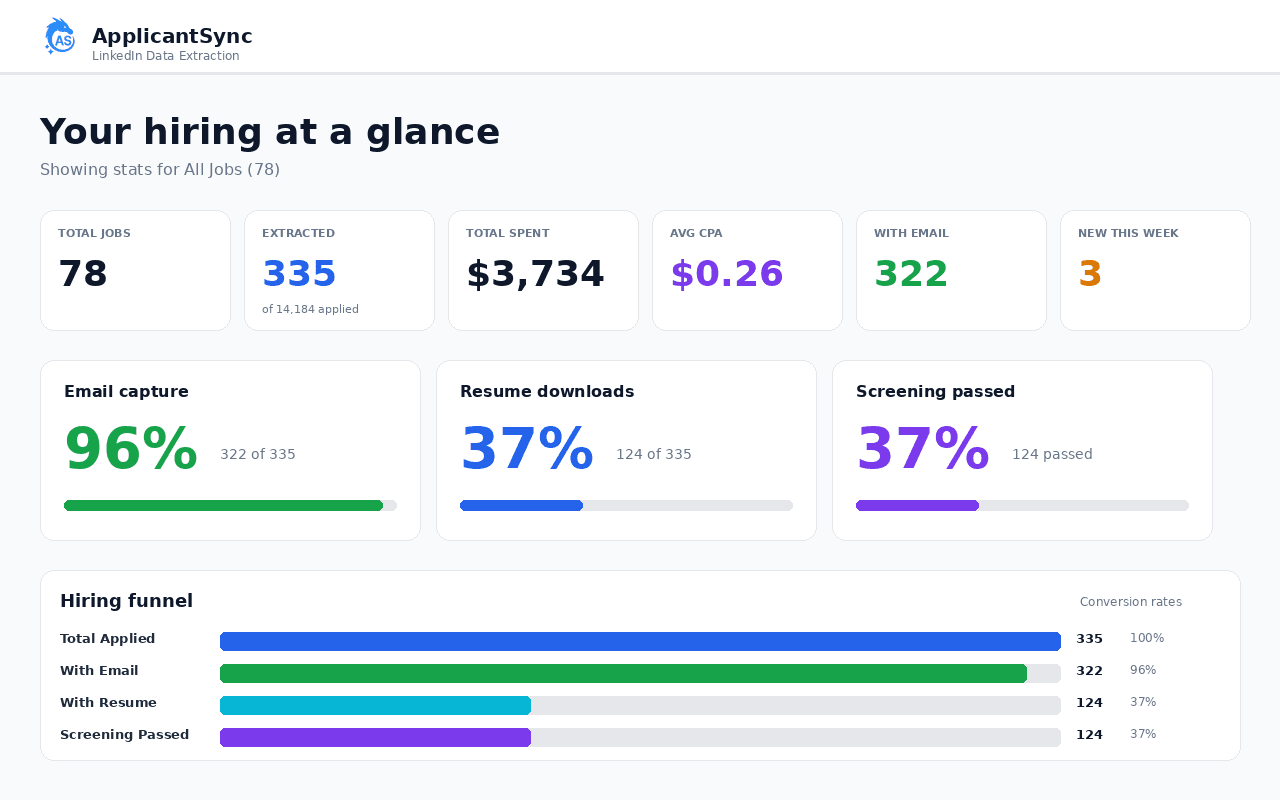
Hiring workspace
One workspace for every applicant
Search applicants, open candidate records, review screening answers, access resumes, update status, and export — without bouncing between LinkedIn tabs.
- Search and filter across jobs
- Open candidate profiles with screening answers
- Access resume files from each record
- Update pipeline status as you hire
- Share or export when you are ready
Works with open and closed job posts
Extract applicants from LinkedIn job posts you can still access — including closed posts — so you keep a reusable candidate database after a hiring campaign ends.
Senior React Developer
184 applicants
Sales Manager
96 applicants
Product Designer
72 applicants
Customer Support Lead
141 applicants
Export clean, structured applicant data
For many recruiters, CSV/Excel export is the whole point. Download structured rows instead of building spreadsheets by hand.
- Candidate name & LinkedIn profile
- Job title and posting metadata
- Location, experience, education
- Screening questions & answers
- Email and phone when available
- Resume files / shareable resume links
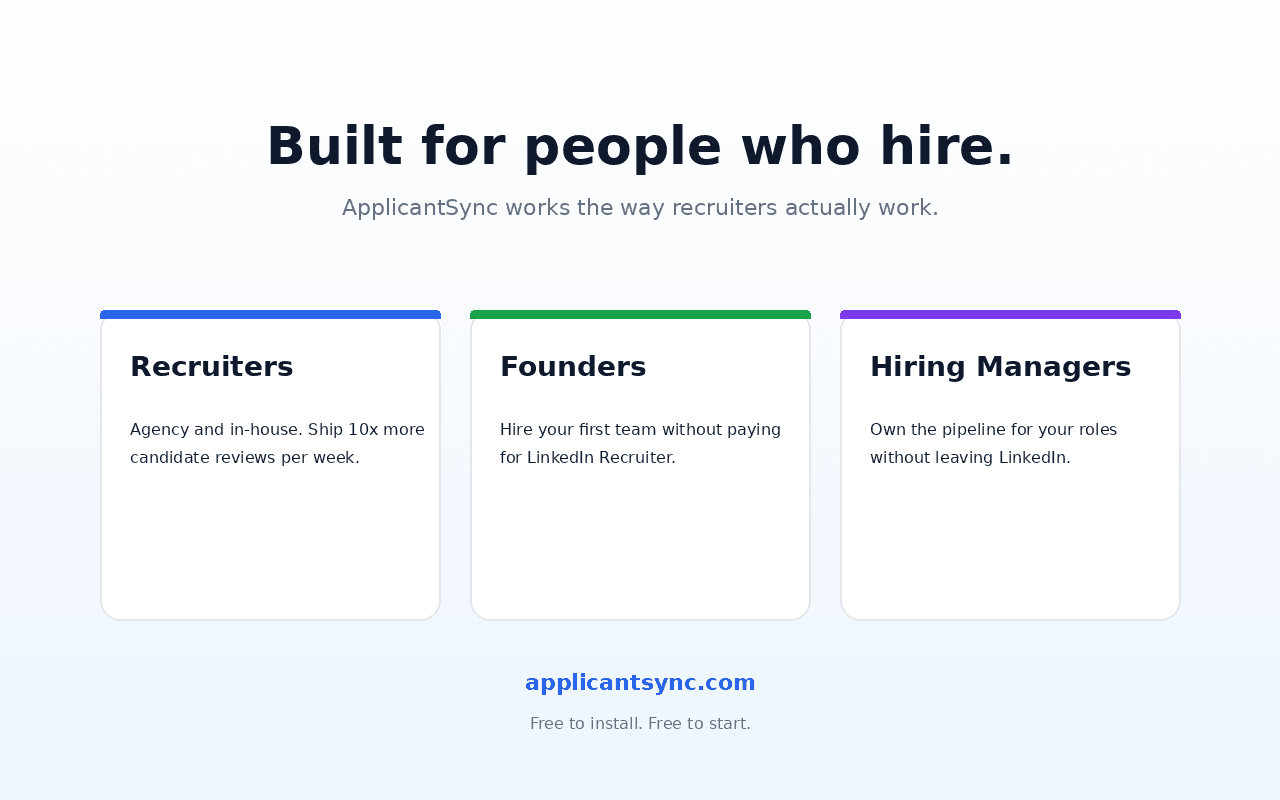
Built for teams that hire through LinkedIn
Same exporter. Different reasons it saves each team hours every week.
Recruiters
Spend less time collecting applicant information and more time evaluating candidates.
Staffing agencies
Manage applicants across many jobs and create structured exports for clients or internal systems.
Founders
Turn a LinkedIn job post into an organized hiring pipeline without buying a full ATS.
HR teams
Give hiring managers a clearer way to search, review, and share candidate information.
Designed for your existing LinkedIn hiring workflow
ApplicantSync only works with job posts and applicant information you are already authorized to access. It does not unlock private applicant data that is unavailable in your own LinkedIn hiring workflow, and it never asks for your LinkedIn password.
ApplicantSync is an independent product and is not affiliated with, endorsed by, or sponsored by LinkedIn.
LinkedIn applicant exporter FAQ
Can you export LinkedIn job applicants?
Yes. LinkedIn does not offer a built-in bulk export, but ApplicantSync — a free Chrome extension — exports every applicant from a LinkedIn job posting to CSV or Excel in one click, including resumes, contact info, screening answers, and parsed work experience. It runs inside your own LinkedIn session, so there is no scraping, no API call, and no LinkedIn password required.
How do I export LinkedIn applicants to Excel?
Install the ApplicantSync Chrome extension, open your LinkedIn job’s Manage Candidates page, and click the export button the extension adds to the page. Choose Excel (XLSX) as the format. You will get a single .xlsx file with one row per applicant: name, email, phone, screening Q&A, applied date, parsed experience, and links to each resume.
Can I export LinkedIn applicants to CSV?
Yes — CSV is one of the two export formats ApplicantSync supports (the other is Excel/XLSX). Pick CSV when you need to import applicants into an ATS, CRM, or any system that takes flat-file feeds. Same fields, same data, just a different file format.
Is there a Chrome extension to export LinkedIn applicants?
ApplicantSync is a free Chrome extension that adds an export button directly to LinkedIn’s job manager. It runs under your own LinkedIn session — no second login, no password sharing. Once installed, every job you manage has a one-click export to CSV, Excel, or your shared team dashboard.
Can I share LinkedIn applicants with my team?
Yes. ApplicantSync’s shared dashboard lets you invite teammates by email — hiring managers, agencies, or anyone without a LinkedIn account. Each teammate sees the synced applicants, resumes, and screening answers without ever logging into LinkedIn, which keeps you compliant with LinkedIn’s Terms of Service (which prohibits credential sharing).
What is a LinkedIn applicant exporter?
A LinkedIn applicant exporter pulls candidate information from LinkedIn job posts you can access and organizes it outside LinkedIn — usually into a dashboard or spreadsheet. ApplicantSync does both: a searchable hiring workspace plus CSV/Excel export, including resumes and screening answers when visible to you.
Does ApplicantSync work with closed LinkedIn job posts?
Yes. As long as you still have permission to open the Applicants / Manage Candidates tab, you can extract from open or closed job posts and keep building a reusable candidate database.
What applicant information can I export?
When the details are visible in your LinkedIn hiring workflow, ApplicantSync can organize names, profile details, location, experience and education, screening-question answers, available email and phone, resume files, and job metadata — then export structured rows to CSV or Excel.
Can ApplicantSync access any LinkedIn applicant?
No. You must be the job poster or otherwise have access to the Applicants tab for that job. The extension only reads information already available in your own LinkedIn hiring workflow.
Is ApplicantSync affiliated with LinkedIn?
No. ApplicantSync is an independent product and is not affiliated with, endorsed by, or sponsored by LinkedIn.
Ready to save hours on LinkedIn hiring?
Install the Chrome extension, open a job you own, and export applicants into a searchable workspace in minutes.
Free to get started · No credit card required · Works in minutes